
Mobile clinic internet and deployment planning
How to Plan Internet Connectivity for a Mobile Clinic
Connect your applications, host sites, and vehicle plan
Quick answer
Plan mobile clinic internet connectivity by listing the applications staff use, testing service at actual host sites, and identifying the devices and equipment needed. Have your IT team review security, support, and interruption procedures. Give Magnum the selected hardware and installation requirements before finalizing the vehicle layout and power plan.
A connection that works at your office may perform differently at an outreach stop. Mobile connectivity planning starts with the work staff need to complete and the locations where they will do it.
Separate the internet service from the network inside the vehicle. Wi-Fi connects devices to a local network; the planned system still needs a suitable route to the internet.
Magnum Mobile Specialty Vehicles builds configured medical clinics and dental clinics. Use this mobile clinic internet connectivity checklist to prepare your equipment and deployment brief.
1. Define application needs
List the applications staff expect to use during a service day. Ask your IT team and application providers to confirm what each requires for the intended work.
Documentation: Include records systems, scheduling, forms, and any remote access needed by staff. Identify whether tasks require a live connection.
Communication: Describe video visits, calls, and collaboration tools. Include the number of people using them at the same time.
Transfers: Identify uploads, downloads, imaging transfers, and updates relevant to your services. Record the application provider’s requirements.
Shared use: Explain whether the network serves only program devices or also supports a separate patient connection. Have IT review the intended arrangement.
2. Compare connection options
Compare possible connections against your sites and application needs. Options may include a configured cellular connection, an approved host-provided network, or another service evaluated by your IT team.
Ask providers about the intended locations, compatible hardware, service-plan conditions, and support. Verify host-network access arrangements directly with the host rather than assuming staff can connect on arrival.
Where connectivity affects telehealth, review the HHS rural telehealth connectivity resources. Then have your IT team evaluate the chosen applications and local options for your program.
3. Test actual host sites
Test mobile clinic internet connectivity where the vehicle will actually park. A provider’s coverage information is a useful starting point for selecting what to evaluate, but your operating plan needs site-specific evidence.
Parking position: Record the intended location, nearby buildings, and any setup constraints. Repeat the test if the vehicle will park somewhere else.
Real tasks: Test the selected applications with representative devices and expected simultaneous use. Include both upload and download work where relevant.
Service times: Check during the hours the program expects to operate. Record interruptions and tasks that fail rather than relying on a single successful connection.
Open questions: Mark sites not yet tested and identify who will confirm them. Keep the results with the host-site readiness information.
4. Plan vehicle integration
Bring selected connectivity hardware and its installation information to Magnum early. Space, power, mounting, cabling, and service access need to fit the vehicle configuration.
Hardware details: Provide the exact models, accessories, and manufacturer documents for proposed networking devices.
Installation: Ask the builder to review any antenna placement, mounting, cable routing, and connections required by the chosen equipment.
Power: Explain when the network must operate, including setup, closing tasks, or parking periods. Include its requirements in the overall equipment review.
Working positions: Identify where staff use computers and other devices. Discuss charging, cable management, and access without obstructing the planned workflow.
Scope: Confirm which hardware, installation, service subscriptions, and configuration tasks belong to the builder, your IT team, or a service provider.
5. Assign IT and interruption planning
Have your IT team own the network and data-access decisions. A vehicle connection does not by itself establish that the program’s applications and information are being handled appropriately.
Access and management: Define authorized devices, account responsibilities, updates, and support through your organization’s IT process.
Backup options: Evaluate a secondary connection where needed and test it with the intended applications. Confirm how staff switch and whom they contact if it fails.
Interrupted work: Have the responsible program team approve procedures for unavailable systems. Do not assume an application can safely operate offline without confirmation.
Staff preparation: Train staff on connection checks, approved use, escalation, and the agreed interruption procedure before the first deployment.
6. Prepare your connectivity brief
Create a connectivity brief that joins the application requirements, site-test results, selected hardware, and ownership decisions. This helps the vehicle and IT teams review the same plan.
Application brief: Include tools, users, simultaneous tasks, service hours, and provider requirements. Mark any software decisions still pending.
Deployment brief: Attach intended sites, connection options, test results, host permissions, and remaining verification tasks.
Integration brief: List hardware models, installation documents, power needs, and who manages service and support. Ask for review before equipment substitutions.
Get started: Explore Magnum’s build process and discuss your vehicle with the selected hardware and deployment requirements.
Mobile clinic internet connectivity FAQs
How should we plan mobile clinic internet connectivity?
Define application needs, compare suitable services, test actual host sites, and select hardware with your IT team. Bring installation and power requirements to Magnum and assign support and interruption procedures before deployment.
Does Wi-Fi mean the clinic has internet access?
Wi-Fi provides a local wireless network. The configured system also needs a suitable internet connection, such as an evaluated cellular service or approved host network, to support online applications.
Can we rely on a cellular coverage map?
Use provider information to identify options, then test the planned applications and equipment at the actual parking locations and service times. Keep untested sites clearly marked until their connection is verified.
Who should manage connectivity and network security?
Your organization’s IT team should define access, application requirements, security, updates, and support responsibilities. Coordinate vehicle hardware installation with Magnum and service arrangements with the selected provider.
Plan your connected vehicle with Magnum
A useful connectivity plan describes the work, the sites, and the equipment your program needs. It also makes responsibility for operation and support clear.
Compare Magnum’s medical vehicles and dental vehicles as a starting point for your configuration discussion.
Discuss your vehicle with Magnum Mobile and bring your hardware specifications, power needs, staff workflow, and host-site information.
Request the free Mobile Healthcare Buyer Guide through its landing page for broader planning questions.
Discuss Your Vehicle
Planning connectivity? Share your selected hardware, installation needs, staff work areas, and deployment sites with Magnum.
Coordinate those requirements with your IT team and start a focused configured-vehicle discussion.
Get the Free Buyer Guide
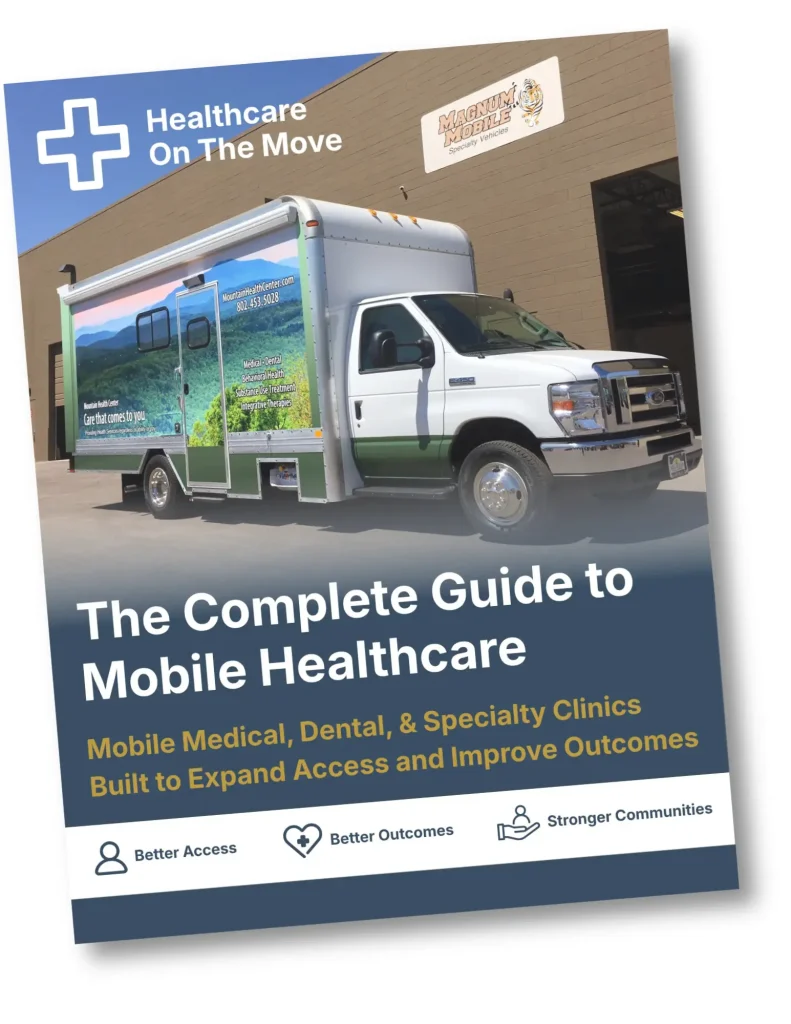
Get the free Mobile Healthcare Buyer Guide to organize equipment, services, and deployment questions.
Trusted Nationwide
Trusted by Leading Healthcare Organizations
Trusted by healthcare providers, public agencies, universities, and nonprofit organizations to deliver high-quality mobile specialty vehicles.







Built to Support
Organizations Across Every Sector
Delivering mobile solutions for healthcare, education, government, nonprofit, and commercial applications.
Healthcare
Education
Government
Non-Profit
Public Safety
Corporate
Ready to Get Started
Let’s Build a Solution That Moves Care Forward
Tell us about your operation and our team will help build the right mobile vehicle solution for your needs.