
Mobile Clinic Route Planning • Travel and Service Hours
How to Plan Routes Around Travel Time and Service Hours
Make travel, setup, and service hours work together
Quick answer
Plan a mobile clinic route around the full deployment day: preparation, travel, arrival, setup, appointments, closing, return travel, and restocking. Confirm host access and vehicle clearance, then test the schedule before committing to recurring visits.
Mobile clinic route planning starts with a practical question: how much of the day is available for services after everything required to reach and leave the site?
A nearby location can still create scheduling problems if the host opens late, setup takes longer than expected, or the team must return before another commitment. Build the operating schedule first, then decide which stops fit.
Magnum Mobile can help connect your deployment needs with a purpose-built vehicle. Explore our mobile medical clinics and mobile dental clinics as you define the service day.
1. Map the full deployment day
Start at the vehicle’s home base and account for each activity through its return. Appointment hours are only one part of that timeline.
Before departure: Include vehicle checks, supplies, equipment readiness, and staff preparation. Identify which tasks must happen at base and who completes them.
Travel and arrival: Allow for the route, site entry, parking, and positioning. A map’s travel estimate does not include getting the vehicle ready for patients.
Setup and closing: List utility connections, equipment preparation, patient access arrangements, and the tasks needed before departure. Use the team’s actual workflow to estimate time.
Return and reset: Reserve time for the trip home, unloading where required, cleaning, restocking, and reporting. Give each task an owner so the next deployment starts prepared.
2. Confirm host access windows
A host’s available hours can determine whether a route works. Confirm access details with the person responsible for the property before advertising appointments.
Opening and closing windows: Ask when the vehicle may enter, when the setup area becomes available, and when it must leave. Include gate access, reserved parking, utility availability, and the host contact’s schedule.
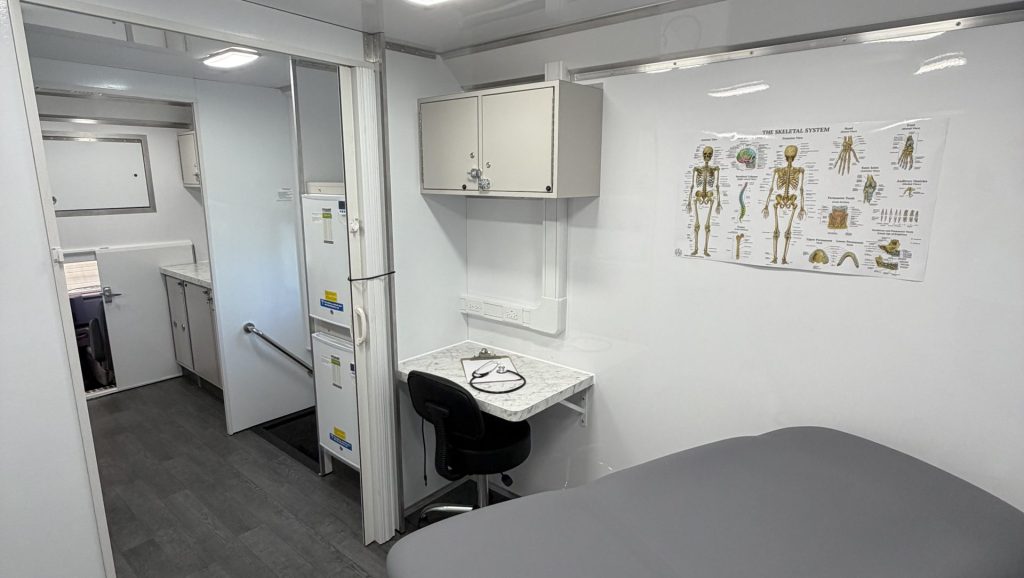
Access for visitors: Verify when patients can reach the site and use any supporting facilities your program needs. Record what happens if another event, delivery, or parking demand overlaps with your visit.
3. Check the actual vehicle route
Evaluate the journey for the completed vehicle rather than assuming a passenger-car route will work. Share vehicle information with your fleet team and confirm unfamiliar access points.
Dimensions and turning space: Check relevant clearance restrictions, tight turns, site entrances, and space to maneuver. Use the vehicle’s actual configuration and operating requirements.
Trailer combinations: Include the towing vehicle, trailer, parking arrangement, and the time needed for positioning and departure. Have a qualified fleet professional review the proposed combination.
Operating footprint: Reserve room for doors, steps, lifts or ramps, and the patient approach. Reaching the parking space does not confirm that the clinic can operate there.
Fallback arrangements: Identify a contact and a reviewed alternate plan for blocked access or an unavailable parking area. Staff should know who can authorize a location change.
4. Set realistic service hours
Set appointment hours after the route and deployment tasks have been reviewed. Avoid treating all staff hours as patient-facing capacity.
Work backward from departure: If the host requires the vehicle to leave at a fixed time, allow for the final visit, closing tasks, and exit before setting the last appointment.
Match staffing to the day: Confirm who drives, sets up, delivers services, and closes the unit. Your organization should review staff scheduling and applicable driving requirements with its responsible teams.
Include realistic buffers: Review traffic patterns, setup variability, and the possibility of a delayed final visit. Choose allowances based on local experience rather than one standard number for every route.
Review multiple stops carefully: A second location adds travel, setup, and closing work. Compare that lost service time with the program value of visiting both sites.
Keep assumptions visible: Label estimates and unresolved questions. A schedule becomes more useful when the team can see which timings still need verification.
5. Test routes and document changes
Test the proposed deployment day before making long-term commitments. Record what happened and use the results to adjust future visits.
Run a route rehearsal: Check the approach, host handoff, parking, and setup sequence with the actual vehicle when practical. Resolve access concerns with the host and fleet team.
Track separate time blocks: Record travel, setup, service hours, closing, and return. This shows whether an issue comes from the route, site arrangements, or the on-site workflow.
Review after early visits: Ask staff and the host what delayed the day. Update the route record when access, utilities, appointment demand, or staffing changes.
Protect the service promise: Confirm changes before expanding appointment hours or adding stops. Communicate the approved schedule to hosts and patients through your program’s normal process.
6. Bring route needs to Magnum Mobile
Your route plan is valuable vehicle-planning information. It helps explain where the unit will travel, how long it will operate, and what staff need on arrival.
Share representative deployments: Bring a typical day, a demanding day, host-site details, and known access restrictions. Explain which visits are recurring and which locations may change.
Connect time with vehicle needs: Discuss equipment preparation, utility connections, storage, climate control, and the patient entry arrangement. These decisions should reflect how your team expects to use the unit.
Make priorities clear: Identify essential service requirements and the flexibility you want for future routes. Magnum can discuss vehicle configuration and integration around those priorities.
Review Magnum’s consultation-to-delivery process, then contact our team with your route and service-day brief. A clear deployment plan makes the vehicle conversation more productive.
Frequently Asked Questions About Mobile Clinic Routes
How many locations can a mobile clinic visit in one day?
It depends on travel, setup, closing, service duration, staffing, and host access. Compare complete deployment schedules before deciding whether multiple stops support your program’s goals.
Should we schedule appointments using the map’s travel estimate?
Use it as a starting estimate, then account for vehicle access, positioning, setup, closing, and local conditions. Test the route and update the schedule with actual experience.
What should a host confirm before we schedule a visit?
Confirm entry and departure windows, reserved operating space, utility arrangements, visitor access, and a responsible contact. Review the actual vehicle’s needs before announcing the location.
Can Magnum help plan the route?
Magnum can discuss vehicle dimensions, configuration, access features, and utility needs that inform your route planning. Your organization manages the schedule, host agreements, fleet decisions, and service delivery.
Plan Your Deployment With Magnum Mobile
Build your vehicle plan around the day your team will actually work. Bring your route assumptions, services, and site requirements to Magnum Mobile.
Compare mobile medical vehicles and mobile dental vehicles for your program.
For broader purchase planning, request the free Mobile Healthcare Buyer Guide.
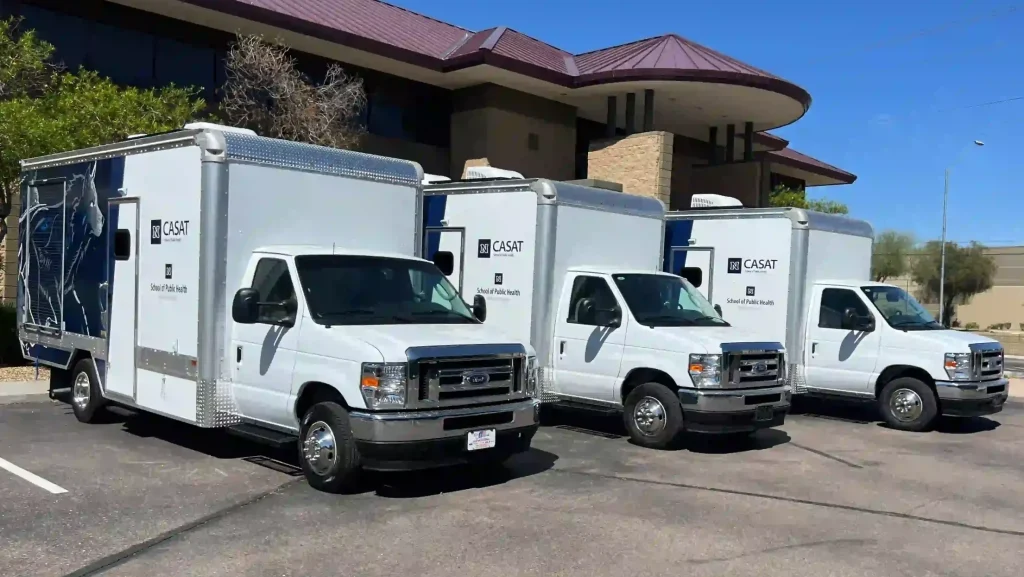
Discuss Your Vehicle
Review mobile medical clinic options with your route needs in mind.
Explore mobile dental clinic options for your deployment plan.
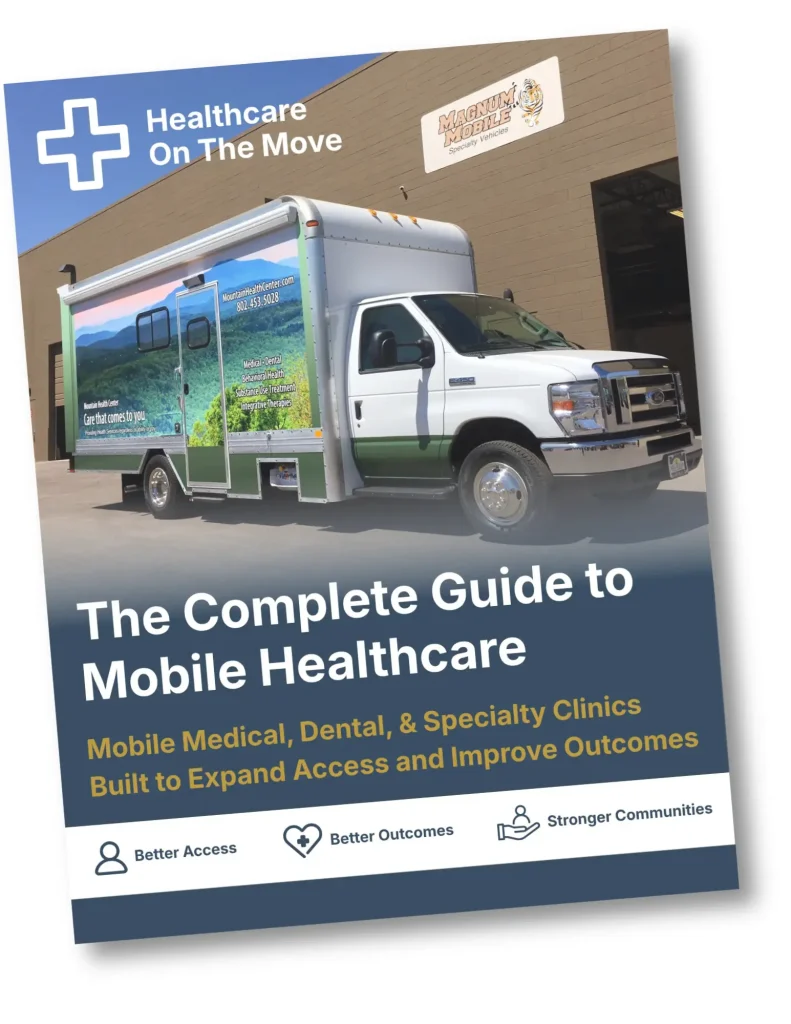
Get the Free Buyer Guide
Request the Mobile Healthcare Buyer Guide through our guide page.
Trusted Nationwide
Trusted by Leading Healthcare Organizations
Trusted by healthcare providers, public agencies, universities, and nonprofit organizations to deliver high-quality mobile specialty vehicles.







Built to Support
Organizations Across Every Sector
Delivering mobile solutions for healthcare, education, government, nonprofit, and commercial applications.
Healthcare
Education
Government
Non-Profit
Public Safety
Corporate
Ready to Get Started
Let’s Build a Solution That Moves Care Forward
Tell us about your operation and our team will help build the right mobile vehicle solution for your needs.