
Mobile Specialty Vehicles • Warranty Planning
How to Understand Vehicle, Upfit, and Equipment Warranty Coverage
Build a coverage record for the actual vehicle and installed equipment
Quick answer
Understand mobile clinic warranty coverage by collecting the actual documents for the chassis, upfit, installed systems, and equipment. Record the covered items, term and start conditions, limits or exclusions, owner responsibilities, claim process, and service contacts for each. Do not assume one advertised warranty statement applies to every part of the unit. Ask the relevant provider to clarify uncertain terms in writing.
A specialty vehicle contains several kinds of components and equipment. A useful warranty review makes the applicable documents and contacts easy to identify before the team needs service.
Use a coverage register tied to the actual delivered configuration. General website information can help organize questions, but the organization needs the documents and confirmation that apply to its purchase.
Magnum Mobile can discuss configurable layouts, commercial-grade materials, and integrated vehicle systems around your operating plan. Explore our mobile specialty vehicles and request the Mobile Healthcare Buyer Guide through its guide page.
1. Identify the coverage documents for each part of the unit
Request the applicable warranty information as part of the purchasing and delivery review. Confirm which document applies to each supplied item.
Chassis: Identify the vehicle manufacturer information and service contact for the actual chassis and purchase.
Upfit: Request the terms relevant to the configured vehicle body, installed work areas, and systems within the supplied scope.
Equipment: List major installed devices and the relevant manufacturer or supplier coverage documents, including buyer-supplied items.
Unclear interfaces: Ask who handles a question involving more than one component or supplier. Record the answer rather than assuming one contact covers every issue.
2. Create a practical coverage register
Organize the information in a format the operating and administrative teams can maintain. Use the exact terminology in the applicable documents.
Identification: Record vehicle and equipment identifiers, the supplied configuration, relevant dates, and where the current documents are stored.

| Register field | What to confirm |
|---|---|
| Item and provider | The component, applicable document, and responsible contact |
| Term | Start conditions, duration, and any usage limits stated in the terms |
| Scope | Covered items, limits, exclusions, and owner responsibilities |
| Service process | Reporting, authorization, records, and arrangements for the work |
3. Read scope and responsibilities before assuming coverage
Have the responsible organizational team review the actual documents. Send uncertain language to the relevant coverage provider for clarification.
Included work: Ask what parts, labor, inspection, transport, travel, or other work is included in the stated coverage. Do not infer those details from a headline duration.
Limits: Review the document’s conditions, exclusions, use limits, and any applicable distinctions among components.
Owner duties: Identify stated registration, operation, maintenance, recordkeeping, or notification responsibilities and assign an owner.
Used units or changes: Obtain confirmation of any transfer provisions or effect of proposed alterations. Do not assume coverage transfers or applies to a changed installation.
4. Know the reporting and service process
Prepare the team to route questions correctly. A clear contact and record can help the provider understand the issue and advise on next steps.
Report: Record the affected item, symptoms, operating conditions, relevant identifiers, and when the issue occurred. Follow the provider’s stated reporting requirements.
Instructions: Ask the appropriate contact what information, inspection, or authorization is needed before work proceeds. Do not assume a repair has been approved.
Operating decision: Have the appropriate responsible personnel determine whether the unit or equipment should remain in use while the issue is assessed.
Service arrangements: Confirm the responsible service location, scheduling, records, and any costs or arrangements requiring organizational approval.
Closeout: Keep the diagnosis, work performed, correspondence, and any updated instruction with the vehicle or equipment record.
5. Keep maintenance and interruption planning alongside coverage
Warranty review is one part of ownership planning. The program also needs a schedule, budget, and response plan for servicing and interruptions.
Maintenance: Follow the applicable instructions for the actual chassis, systems, and equipment. Keep the records your organization and relevant terms require.
Resources: Plan who coordinates service, obtains parts or supplies, and manages scheduling with host partners.
Contingencies: Define how the program responds when a component is unavailable. Do not assume every interruption or operating expense is addressed by a warranty.
Review: Update the coverage register when equipment, ownership, contacts, or confirmed terms change. Keep superseded information distinguishable from the current record.
6. Clarify your Magnum coverage questions before delivery
Magnum’s support information can help buyers organize warranty and service questions. Confirm the actual documents and responsibilities for your configured project.
Bring the list: Identify the chassis, upfit, systems, equipment, and buyer-supplied items that need a clear coverage contact.
Ask specifically: Request clarification of applicable terms, claim steps, service arrangements, records, and owner duties rather than relying on a general warranty headline.
Review resources: Visit Magnum’s support information and discuss the documents supplied through the delivery process.
Discuss your vehicle warranty questions with Magnum Mobile. A complete register helps the operating team know where to turn when it needs assistance.
Mobile Clinic Warranty Coverage FAQs
Does one warranty cover the entire mobile clinic?
Do not assume that. Collect the applicable chassis, upfit, system, and equipment documents and identify which terms and service contact apply to each item.
Does a warranty duration explain everything covered?
No. Review the actual scope, conditions, limits, owner duties, and service process, and obtain clarification from the relevant provider when information is uncertain.
Can we assume warranty coverage transfers with a used unit?
No. Obtain confirmation of the applicable terms and transfer conditions from the relevant coverage provider before relying on them.
What should the operating team keep available?
Maintain the current coverage register, vehicle and equipment identifiers, relevant documents, maintenance records, claim instructions, and service contacts.
Organize Your Warranty and Service Questions With Magnum
Bring Magnum Mobile the component and equipment questions behind your ownership plan. Confirm the applicable documents and responsibilities for the vehicle configuration your organization is purchasing.
Explore Magnum’s mobile specialty vehicles and compare configurations for your program.
Discuss Your Vehicle
Separate the applicable chassis, upfit, system, and equipment terms.
Keep the coverage documents, records, and service contacts easy to find.
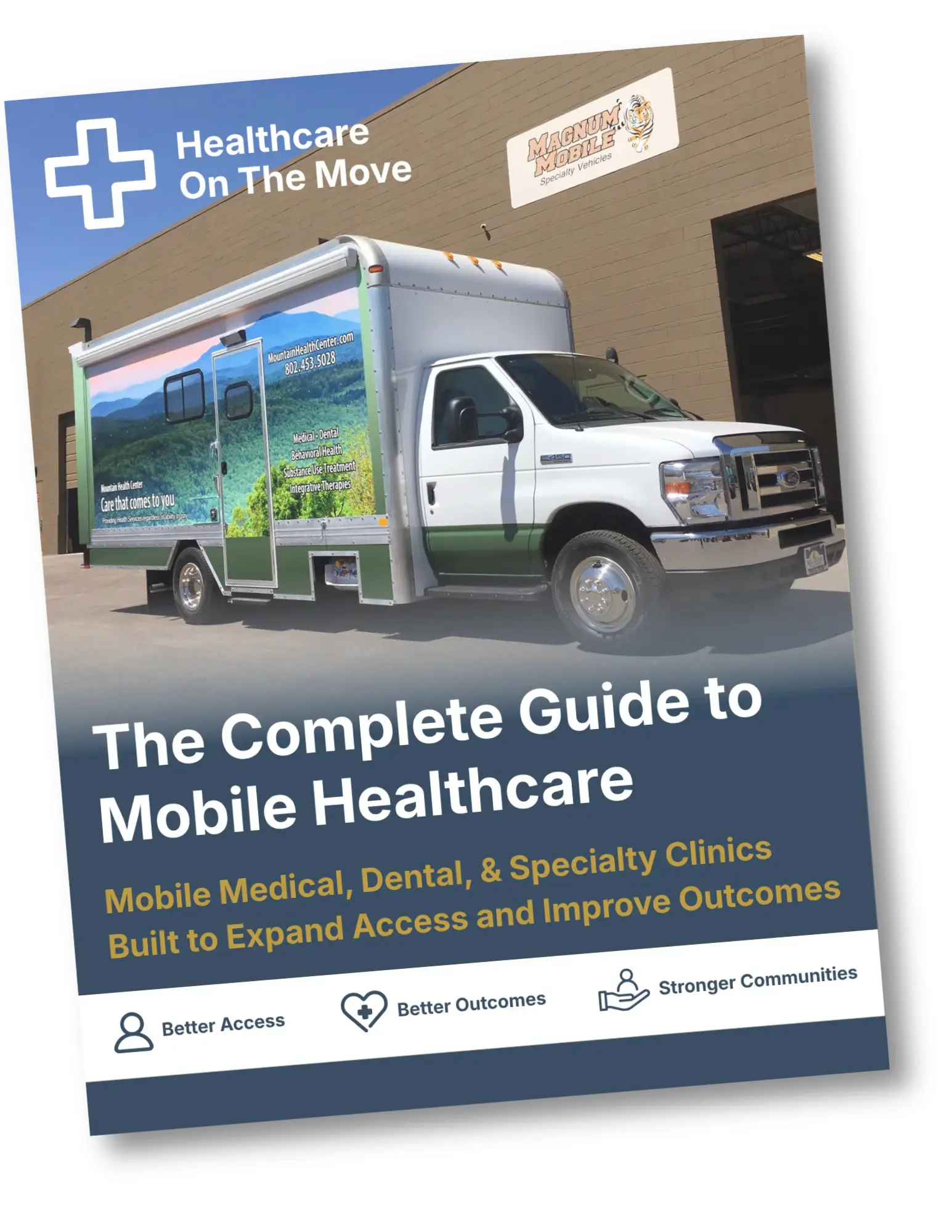
Get the Free Buyer Guide
Request the Mobile Healthcare Buyer Guide through the guide page.
Latest From Our Blog
Trusted Nationwide
Trusted by Leading Organizations
Trusted by healthcare providers, animal care programs, public agencies, universities, and nonprofit organizations for mobile specialty vehicles.







Built to Support
Organizations Across Every Sector
Delivering mobile solutions for healthcare, education, government, nonprofit, and commercial applications.
Healthcare
Education
Government
Non-Profit
Public Safety
Corporate
Ready to Get Started
Let’s Build a Solution That Moves Care Forward
Tell us about your operation and our team will help build the right mobile vehicle solution for your needs.