
Mobile Specialty Vehicles • New & Used Evaluation
New vs. Used Mobile Clinic: What Buyers Should Evaluate
Compare the actual unit and the complete work needed to launch
Quick answer
Compare a new and used mobile clinic against the same program brief, including layout, equipment, condition, documentation, utilities, loading, service access, support, availability, and required changes. Include inspections, repairs, configuration work, training, and launch preparation in the comparison. Neither new nor used is automatically the right choice for every program.
A used unit can present a different buying opportunity from a newly configured vehicle, but the purchase price does not explain the full decision. Your organization still needs a vehicle that fits its services and operating requirements.
Use a consistent checklist and qualified reviews to compare actual options. Keep confirmed facts separate from seller descriptions, estimates, and changes that have not been evaluated.
Magnum Mobile can discuss configurable layouts, commercial-grade materials, and integrated vehicle systems around your operating plan. Explore our mobile specialty vehicles and request the Mobile Healthcare Buyer Guide through its guide page.
1. Define the minimum requirements for your program
Write the operating brief before evaluating listings. It provides a consistent basis for judging a used unit and a new configured proposal.
Services: Specify the intended work, staff roles, people or animals served, and equipment required at launch.
Workflow: Describe access, service delivery, records, supplies, cleaning, restocking, closing, and travel preparation.
Deployment: Include representative host sites, travel, parking, utilities, storage, and the expected operating environment.
Priorities: Separate requirements from preferences. Identify what can change and what the program cannot operate without.
2. Review condition and records for the actual unit
For a used vehicle, request relevant chassis, upfit, equipment, service, and modification records. Arrange appropriate inspections rather than treating a listing description as a condition report.
Recall information: Use resources such as NHTSA’s recall lookup, review its stated limitations, and consult relevant manufacturer records. A recall search is not a complete vehicle or upfit inspection.

| Evaluation area | What to establish |
|---|---|
| Condition | Qualified findings for the chassis, upfit, systems, and equipment |
| History | Available maintenance, use, modification, and ownership information |
| Fit | Whether the actual configuration supports the intended program |
| Readiness | Work, resources, and approvals needed before launch |
3. Check layout and equipment fit before planning changes
Evaluate the unit as it exists and document what would need to change. Have the appropriate professionals review proposed alterations.
Space: Walk through the actual patient or animal journey and staff tasks. Check access, circulation, storage, and equipment clearances.
Equipment: Identify exact models, condition, documentation, support availability, and suitability for your services and intended installation.
Systems: Compare utilities and operating assumptions with the selected equipment and host sites. Confirm the actual operating load with appropriate vehicle reviewers.
Alterations: Ask who can perform the required work and what it would affect. Do not assume that an extra chair, lift, cabinet, or device can be added without review.
4. Compare the full launch and ownership budget
Use comparable scope and a defined time period. Separate confirmed quotes from allowances and unresolved estimates.
Purchase: Record the vehicle price and exactly what equipment or services are included. Identify exclusions and the actual transaction terms for review.
Readiness work: Include inspections, identified repairs, configuration changes, equipment, delivery, supplies, and training where relevant.
Operation: Review staffing, travel, storage, maintenance, insurance, equipment care, and other recurring requirements with the responsible teams.
Support: Confirm actual warranty terms and service responsibilities for the chassis, upfit, and equipment. Do not assume coverage transfers or that one policy covers every component.
Uncertainty: Show which items still need inspection or supplier confirmation. Keep those gaps visible when comparing the options.
5. Evaluate availability alongside organizational readiness
A vehicle being available does not mean your program can immediately begin services. Review the full set of launch dependencies.
Vehicle timing: Confirm the actual availability, delivery arrangements, and any work required before handover. Avoid assuming a timeline from the new or used label.
Team: Identify hiring, driver preparation, system instruction, equipment training, and operating procedures that remain outstanding.
Sites: Verify storage and host compatibility using the unit’s complete operating footprint and utility requirements.
Decision: Document why the chosen option fits the program and which findings or approvals must be resolved before the organization commits or launches.
6. Discuss a requirements-based comparison with Magnum
Magnum Mobile can discuss configured vehicle requirements around your program. Use that conversation to clarify the scope and operating needs behind a new or used comparison.
Bring the brief: Share services, equipment, staff workflow, route, sites, and the requirements that matter most to the program.
Ask specific questions: Compare the proposed configuration and written scope with your checklist. Obtain appropriate reviews of any used unit or proposed alterations.
Explore options: Review Magnum’s specialty vehicles and the used specialty vehicle listings. Confirm the current details of any unit under consideration.
Discuss your vehicle requirements with Magnum Mobile. A clear program brief helps keep the comparison focused on fit, readiness, and ownership needs.
New and Used Mobile Clinic FAQs
Is a used mobile clinic always ready to operate?
No. Readiness depends on condition, configuration, equipment, documentation, required work, and the organization’s staffing and operating arrangements. Evaluate the actual unit.
Is a new mobile clinic always the best option?
The right choice depends on the program’s requirements, available configurations, timing, budget scope, and ownership plan. Compare actual proposals and units.
Can we assume a used unit’s warranty transfers?
No. Review the actual terms and obtain confirmation from the relevant coverage providers. Evaluate chassis, upfit, and equipment coverage separately.
What makes the comparison fair?
Use the same operating brief and include the complete work and resources needed to launch and maintain each option, with uncertain items clearly identified.
Compare Vehicle Options Around Your Program’s Requirements
Bring Magnum Mobile the service, equipment, route, and ownership needs behind your purchase. The team can discuss a configured vehicle scope so you can make a more informed comparison with the options available.
Explore Magnum’s mobile specialty vehicles and compare configurations for your program.
Discuss Your Vehicle
Compare actual condition, program fit, required changes, and support.
Bring a complete operating brief to your Magnum vehicle discussion.
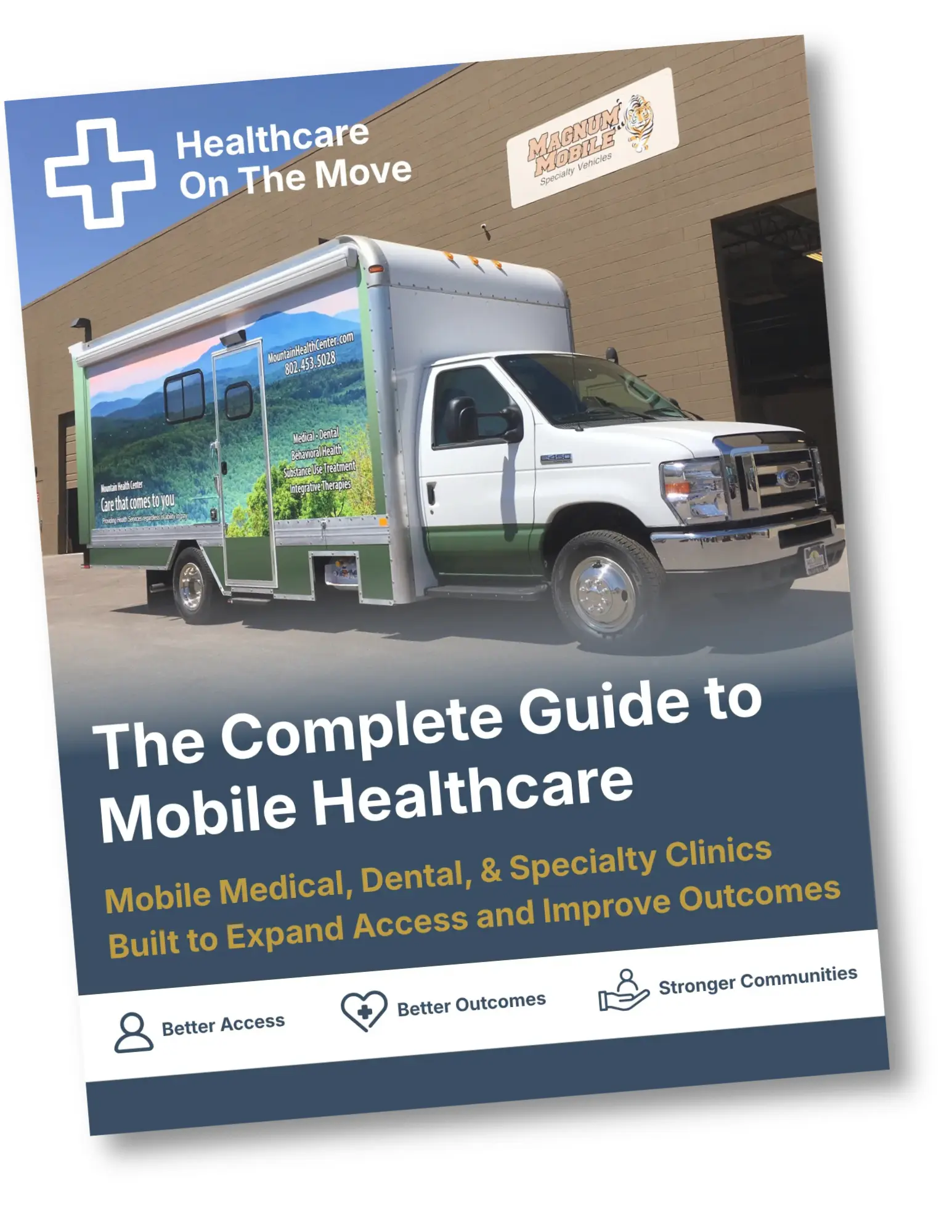
Get the Free Buyer Guide
Request the Mobile Healthcare Buyer Guide through the guide page.
Trusted Nationwide
Trusted by Leading Organizations
Trusted by healthcare providers, animal care programs, public agencies, universities, and nonprofit organizations for mobile specialty vehicles.







Built to Support
Organizations Across Every Sector
Delivering mobile solutions for healthcare, education, government, nonprofit, and commercial applications.
Healthcare
Education
Government
Non-Profit
Public Safety
Corporate
Ready to Get Started
Let’s Build a Solution That Moves Care Forward
Tell us about your operation and our team will help build the right mobile vehicle solution for your needs.